![SUST-Logo-Full_Black (2) (1).png]](https://knowledgebase.sustainment.tech/hs-fs/hubfs/SUST-Logo-Full_Black%20(2)%20(1).png?height=40&name=SUST-Logo-Full_Black%20(2)%20(1).png)
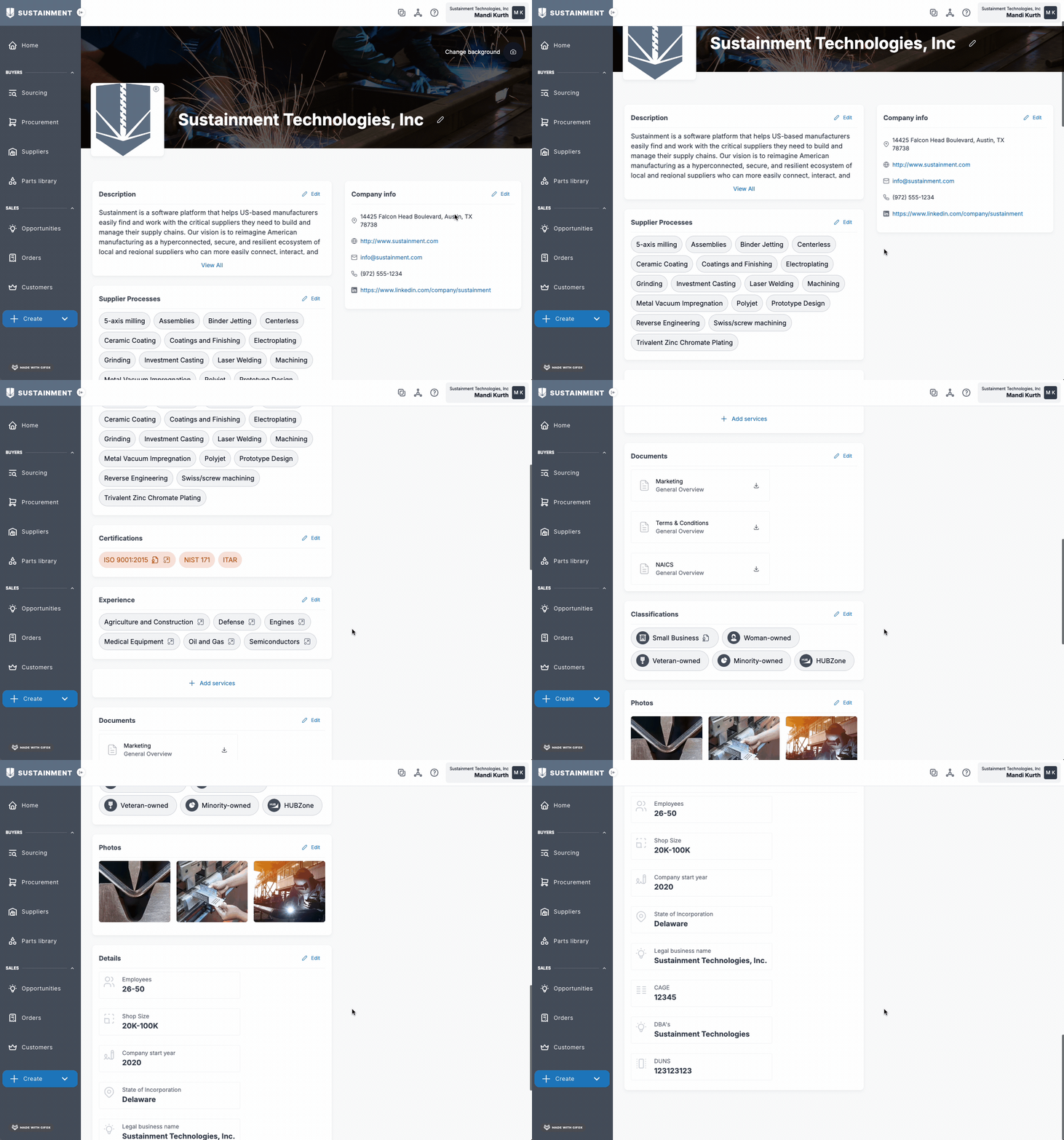
When you first sign up, you are asked some basic information about your company (address, website, etc). Once you have signed up, go to the right hand corner where your name shows, select you name, then choose 'Company profile'.
From here, you will be able to add additional information in regards to your company. You can add a description, company info, supplier processes, certifications, experience, documents, and more.
If you need any additional support, please reach out to support@sustainment.com